
Has your construction company outgrown QuickBooks?
QuickBooks got you here. The question is whether it can tell you if a job is making money while the crew is still on it. For most growing contractors, it can’t.
By Rob Griffin, Founder and Principal · Updated
- 1QuickBooks records transactions. It can’t show committed cost, WIP or cost-to-complete on a running job.
- 2The signs: AIA pay apps in Excel, retainage in a side sheet, payroll re-keyed, a close that takes weeks.
- 3After moving to Acumatica, Bright Star added roughly 25% in top-line revenue without growing its admin team at the same pace.
Sound familiar?
These are the things owners and controllers tell us on the first call, almost word for word.
What changes when you move off QuickBooks
Short answer: You move when the accounting system can no longer answer job-level questions while the job is running. A construction ERP puts job cost, committed cost, billing, retainage, payroll and the general ledger in one record, so the answer is on screen instead of in a spreadsheet.
- Committed cost (what you’ve agreed to spend but haven’t been billed for) shows on the job the day a PO or subcontract is issued.
- AIA G702/G703 pay applications generate from the schedule of values.
- Retainage is tracked on the ledger, both what you’re owed and what you owe.
- Certified and union payroll run from the same time data the field entered.
- WIP (earned versus billed) is visible on any running job, not rebuilt at quarter end.
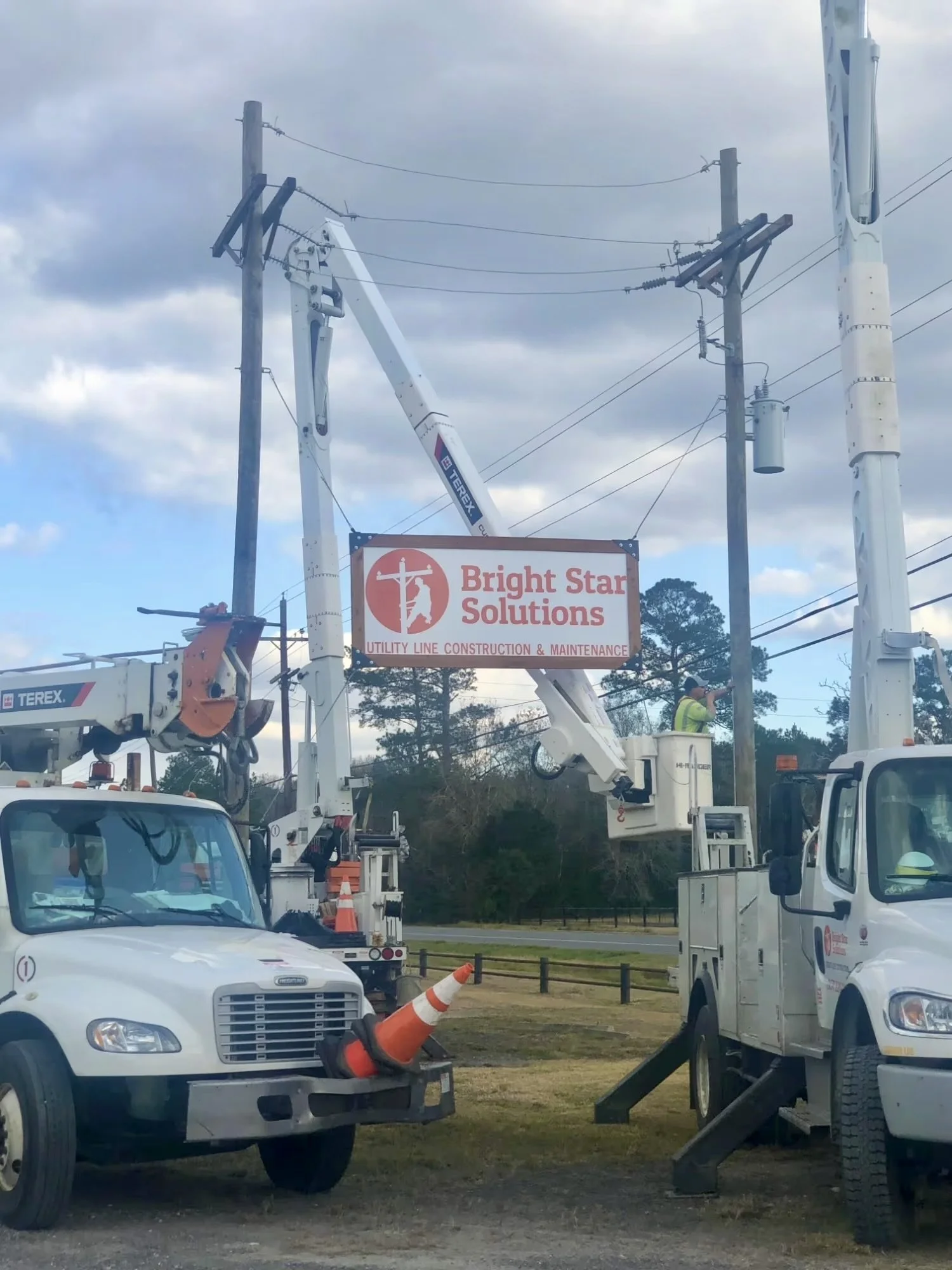
Bright Star outgrew QuickBooks. Their admin team didn’t have to grow with them.
Bright Star Solutions is a union utility contractor with complex payroll rules. Payroll that once took several people an entire day now takes a few hours, and leadership went from reporting results to predicting them.
“Instead of a generic demo, they used our actual data and showed us what the system could do for our business.”
Questions we hear from companies in this spot
When should a construction company move off QuickBooks?
+
When QuickBooks can no longer answer job-level questions while the job is running: committed cost, WIP, retainage and cost-to-complete. Revenue size is not the trigger; re-keying the same data into several systems is.
Can QuickBooks handle AIA billing and retainage?
+
Not natively. Most contractors on QuickBooks build AIA G702/G703 pay applications and track retainage in Excel. A construction ERP such as Acumatica Construction Edition does both on the ledger.
What is the best ERP after QuickBooks for a contractor?
+
For contractors who bill progress applications or hold retainage, Acumatica Construction Edition is usually the best fit. For operations-driven companies without progress billing, Odoo is often the better option.
How long does it take to move from QuickBooks to Acumatica?
+
Most mid-market contractors go live in a few months, depending on scope, integrations and how much history is migrated. The best cutover lands at a fiscal year end.
Start where you are. Six questions, and you’ll know which path fits your business.
Or call (469) 489-1490. You will talk to a senior practitioner, not a sales rep.